

Use the Consoles page of the Windows Client Options wizard to specify which consoles you want to be enabled when you start the Windows Client.
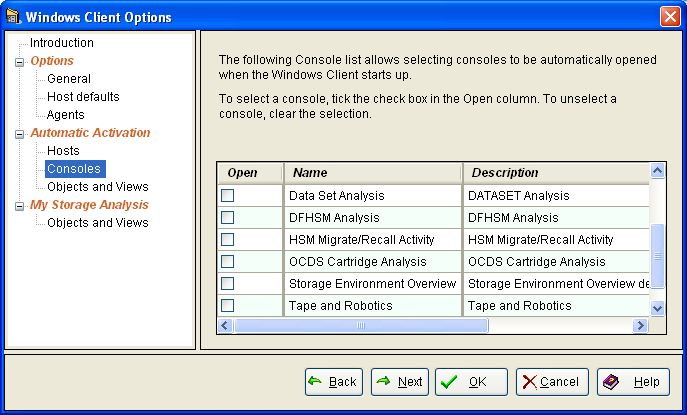
To enable a Console to open automatically when you start the Windows Client, check the check box next to the Console name. You can select more than one Console.
To disable a Console so that it will not open automatically when you start the Windows Client, remove the check from the check box next to the Console name.
The following is an example of the Consoles page of the Windows Client Options wizard:
|
Copyright © 2013 CA.
All rights reserved.
|
|