

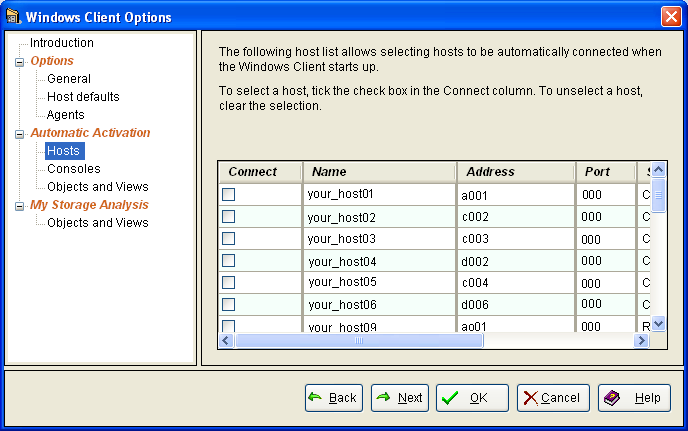
Use the Hosts page of the Windows Client Options wizard to identify the host to which you want to automatically connect to when you start the Windows Client. For z/OS, you can automatically connect to more than one host. The following is an example of the Hosts page of the Windows Client Options wizard:
To specify which hosts you want automatically connected when you start the Windows Client
Select the check boxes next to the host connection definitions that you want to automatically connect to when you start the Windows Client. For z/OS, you can select more than one host connection definition.
Note: Consider entering a valid user ID and password in the selected host definitions. If the host definitions do not contain valid login credentials, you are prompted to login to those hosts when you start the Windows Client.
|
Copyright © 2013 CA.
All rights reserved.
|
|