

The Host List window, shown in the following example, lists those user-defined z/OS and open systems hosts that have been defined in the Windows Client.

To display the Host List
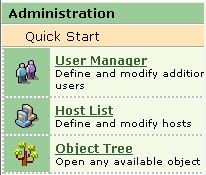
Display the Host List by performing one of the following:
The Host List toolbar provides the icons and their associated functions shown in the following table.
|
Icon |
Task |
|---|---|
|
|
Connect the Client to a Host |
|
|
Disconnect the Client from a connected Host |
|
|
View a Host definition |
|
|
Define a new Host |
|
|
Open the help system |
|
Copyright © 2013 CA.
All rights reserved.
|
|


