

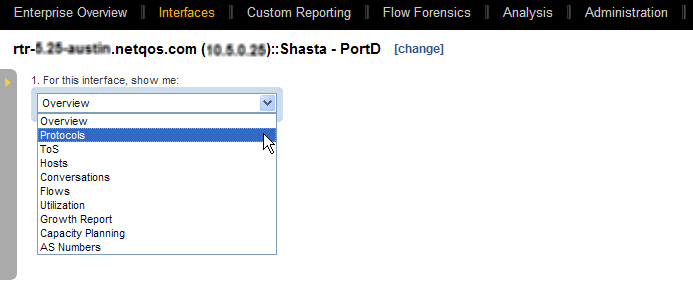
If you select an interface in the Interface Index or you click a drilldown link, a report opens in the Interface pages. The initial report is an Overview report. To display a different report type, select an option from the list in the upper left corner.
Use the icons at the top to refresh, print, or email the report page.
Note: If the product is registered with CA Performance Center you can click the blue arrow next to the report title and select CA PC Interface Performance. The CA Performance Center Console opens to show Interface Pages: Details page for the Interface.
|
Copyright © 2014 CA.
All rights reserved.
|
|