

This guide contains instructions for assessing the hardware status of the CA Multi-Port Monitor CA6000 appliance (the legacy appliance), and the CA6300 appliance introduced with CA MTP version 10.1.
Always assess the hardware status of the CA Multi-Port Monitor appliance before you upgrade. We do not recommend upgrading CA Multi-Port Monitor while it is in a Degraded state.
The following diagram describes the process of assessing the hardware status:
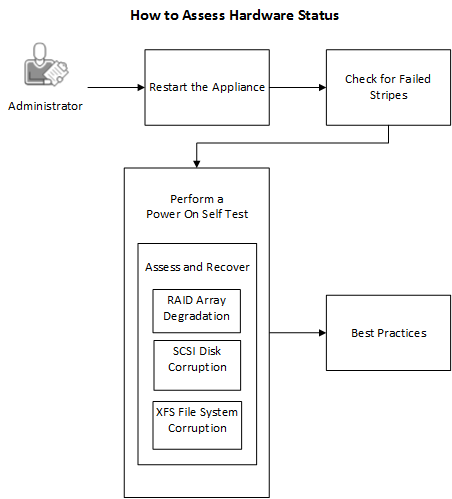
Follow these steps:
|
Copyright © 2015 CA Technologies.
All rights reserved.
|
|