

CA Server Automation supports integration to manage one or more VCE Vblock servers, using the UIM 3.0 API for the EMC Ionix Unified Infrastructure Manager (UIM). A Vblock Administrator can use CA Server Automation to reduce time to production by significantly accelerating the VCenter provisioning process. Vblock integration also allows other CA Server Automation components--such as VCPMM and service provisioning--to manage and provision VMs, applications, and other logical Vblock components.
Important! CA Server Automation Vblock integration uses EMC® Ionix™ Unified Infrastructure Manager (UIM/P). VCE does not recommend provisioning the Vblock component using any non-UIM product. For example, CA Technologies does not recommend that you manage and provision a Cisco UCS Blade (Vblock UCS) using the UCS Manager directly or the CA Server Automation UCS PMM.
Vblock services are created from predefined templates named Service Offerings, which provide a set of defaults and constraints that limit the number of servers and amount of storage that a service can consume. By having service offerings in place ahead of time, UIM services are managed with minimum input.
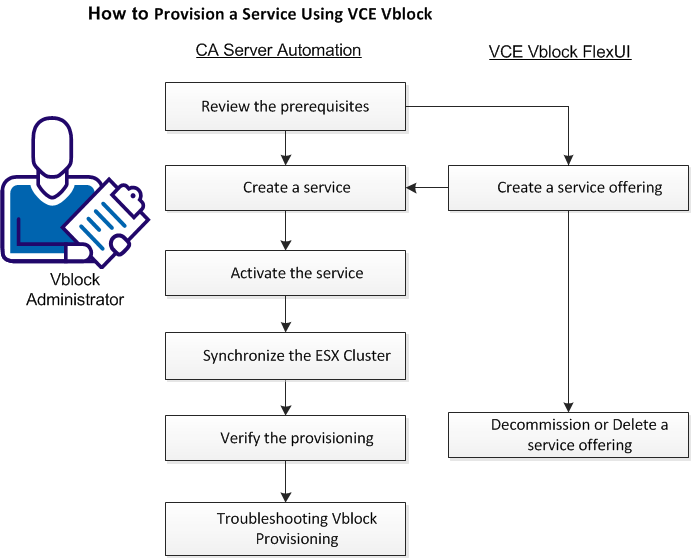
(Optional) Create a Vblock Service Offering
Create a Vblock Service Instance
Troubleshoot Vblock Provisioning
|
Copyright © 2013 CA.
All rights reserved.
|
|