

You can connect to several z/OS hosts, but to only one Open Systems host. If your Windows Client has only one host defined, then it automatically connects to that host when you log in.
To connect manually to a host
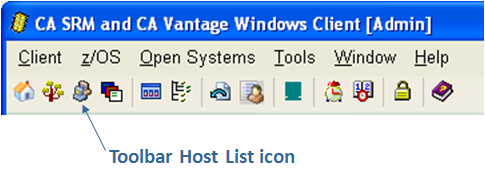
The Host List dialog is displayed as shown in the following sample:

The status of a connection between a Windows Client and a host can be one of the following:
|
Symbol |
Explanation |
|---|---|
|
|
Not connected to the host |
|
|
Connecting to the host |
|
|
Connected to the host |
Although the Object Tree always displays the full list of z/OS and Open Systems categories and objects, you must connect to an appropriate host before you can retrieve and view live object data.
|
Copyright © 2013 CA.
All rights reserved.
|
|


