

The information in the Alert_PUB file signifies that the alert that was in the Alert_RAW file has now been transformed using the USM properties. The details also imply that the alert has been sent to CA Catalyst and should show in the CA SOI Operations Console.
Follow these steps:
Note: SShostname specifies the host name of the CA Spectrum server.
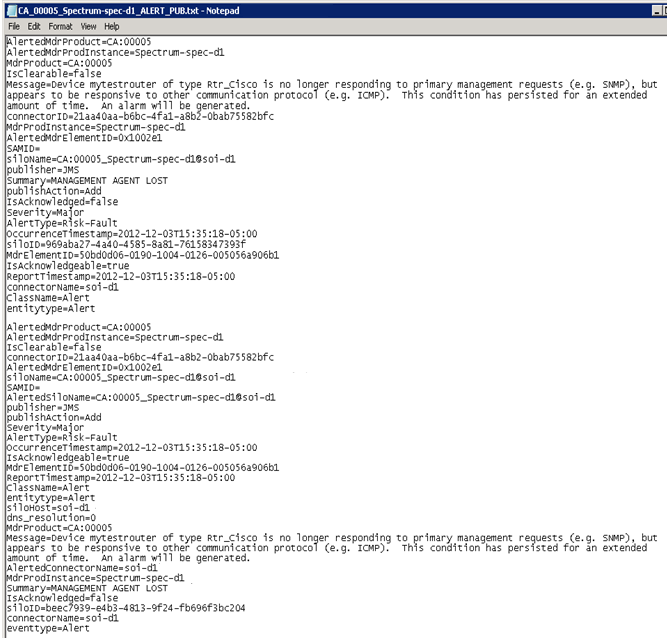
Therefore, an alert that was originally generated in CA Spectrum shows in the Alert_RAW file and the Alert_PUB file. This flow indicates that this alert was forwarded successfully from CA Spectrum to CA SOI and is now displayed in the CA SOI Operations Console.
|
Copyright © 2013 CA.
All rights reserved.
|
|