

Configuring and Using Diagnostic Tools › How to Track Alerts and CIs from CA Spectrum to CA SOI Using Debug Logs › How to Track Alerts from CA Spectrum to CA SOI Using Debug Logs
How to Track Alerts from CA Spectrum to CA SOI Using Debug Logs
As a CA SOI administration, you can enable debug on the CA Spectrum connector and can investigate the debug logs to track alerts as they flow from CA Spectrum to CA SOI.
Use this scenario to guide you through the process:
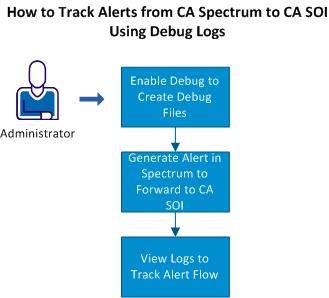
- Enable Debug to Create Debug Files.
- Generate an Alert in CA Spectrum to Forward to CA SOI.
- View Logs to Track the Flow of Alerts.
- View Alert_RAW File.
- View Alert_PUB File.
Copyright © 2013 CA.
All rights reserved.
|
|