

As a CA SOI administrator, you can enable debug on the CA Spectrum connector and can investigate the debug logs to track CIs as they flow from CA Spectrum to CA SOI.
Use this scenario to guide you through the process:
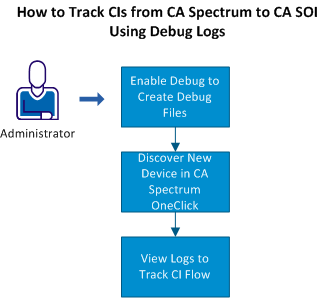
Note: If the debug level is already set to DEBUG, do not perform this step. The steps are similar to the information already mentioned in the alert procedure.
|
Copyright © 2013 CA.
All rights reserved.
|
|