

QueryDatasetNames
Use the QueryDatasetNames operation to search the specified path for dataset names.
Follow these steps::
Username: (Catalyst user name)
Password: (Catalyst password)
Claims:
ClaimName: Username
ClaimValue: pamadmin
PasswordClaims
ClaimName: Password
ClaimValue: pamadmin
Execute
CatalystBrokerURL: https://hostname:7443/ucf/BrokerService
MdrProduct: "CA:00074 (CA Process Automation)"
MdrProdInstance: "CA:00074:01"
Operation Category: "CA Process Automation"
Operation: QueryDatasetNames
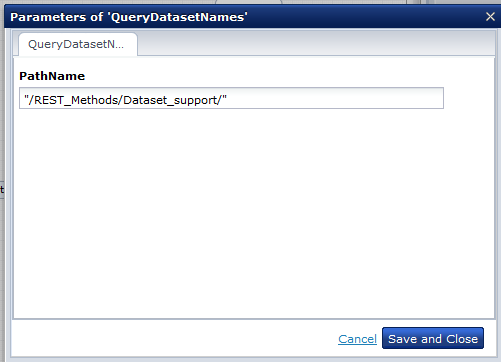
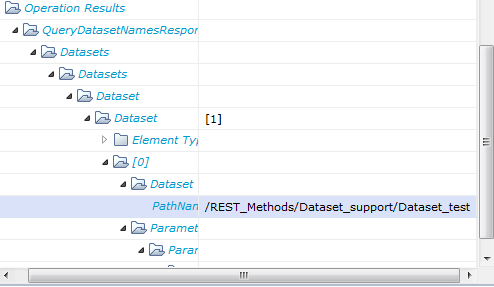
This illustration shows the dataset name with the absolute path available in the following Library path:
/REST_Methods/Dataset_support/Dataset_test
|
Copyright © 2014 CA.
All rights reserved.
|
|