

If any of the selected operations were generated with both the classic Java proxy style and the new CA Gen Java proxy style, the Interface Style Selection panel appears:
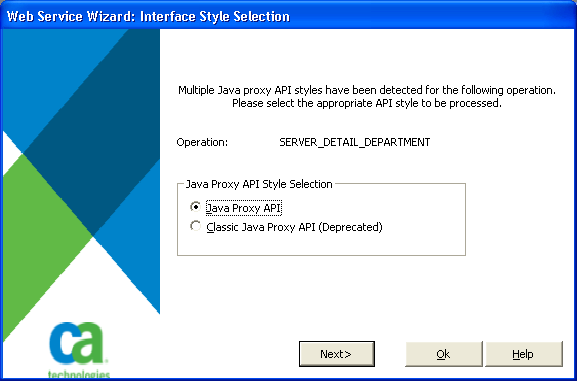
Each operation that was generated in both proxy styles causes the Interface Style Selection window to be displayed. The wizard needs to know which style of proxy to use because the directory paths are different for each style.
Clicking Next changes the window to display the next operation. This allows you to decide which style of proxy must be used for each individual operation.
Clicking Ok indicates that all the operations will use the default Java Proxy API style. When this window closes, you return to the Operation Selection window.
After you select a style for all the operations, the following panel appears:
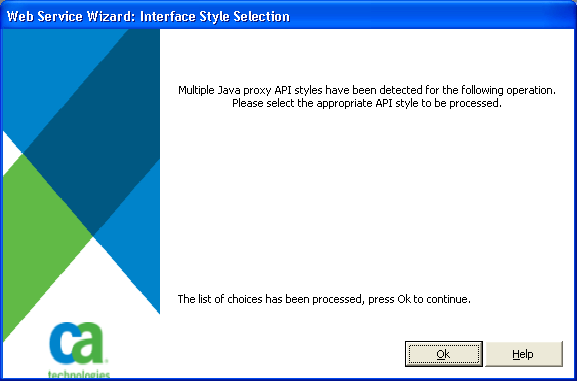
This panel indicates that all the selected operations have been processed.
Click Ok to return to the Operation Selection window.
|
Copyright © 2013 CA Technologies.
All rights reserved.
|
|