

The Accessibility Preferences settings affect the use of different carets in text editors.
Follow these steps:
The Preferences dialog appears.
The Accessibility Preferences dialog appears.
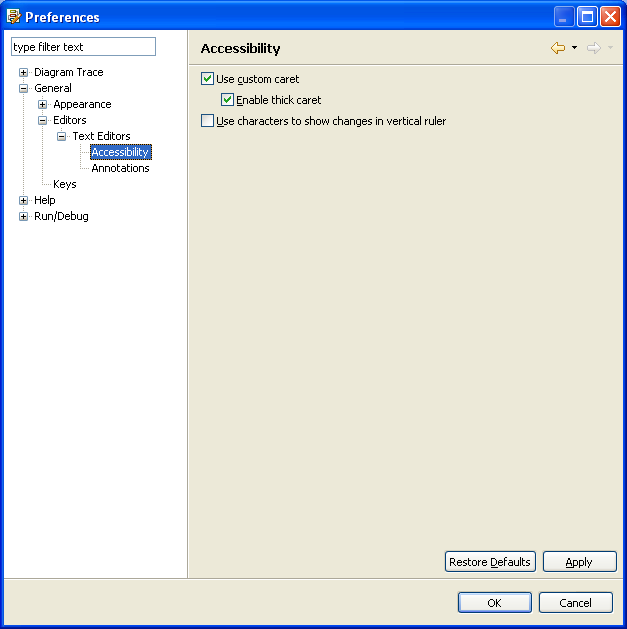
Uses the default custom caret for Overwrite and Insert modes.
Default: On
Specifies thick caret for Overwrite and Insert modes.
Default: On
The Diagram Trace Utility saves the new settings and closes the dialog.
Note: The Diagram Trace Utility does not support the Use characters to show changes in vertical ruler option.
|
Copyright © 2013 CA.
All rights reserved.
|
|