

The General Appearance preference settings for colors and fonts specify the colors and fonts that are used for basic items such as hyperlinks, text, and error message text, debug fonts, and the colors and fonts to use for various components of views and editors.
Follow these steps:
The Preferences dialog appears.
The Colors and Fonts Preferences page appears.
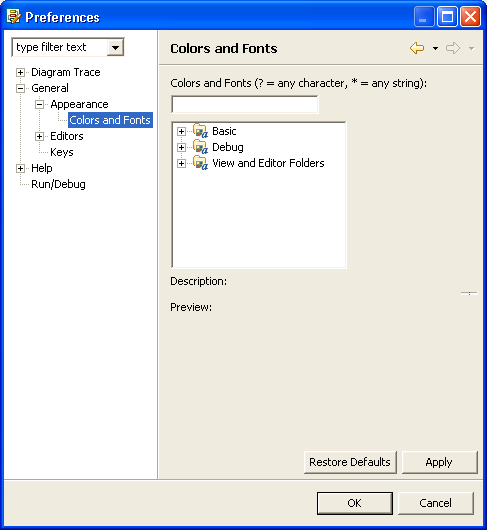
The default color and font settings for different components in each folder appear.
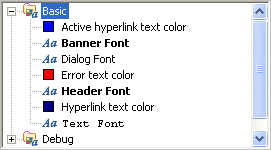
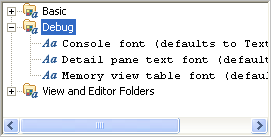
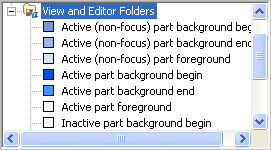
The following illustrations show the default settings in the Basic, Debug, and View and Editor folders:
The Color or Font selection dialog appears.
Note: For font selections, you can click Use System Font to let the operating system automatically set the font to a reasonable value. For example, on Windows systems, the operating system sets the font selected in the Display Properties control panel.
The Color or Font selection dialog closes.
The Diagram Trace Utility saves the changes and closes the Preferences dialog.
|
Copyright © 2013 CA.
All rights reserved.
|
|