

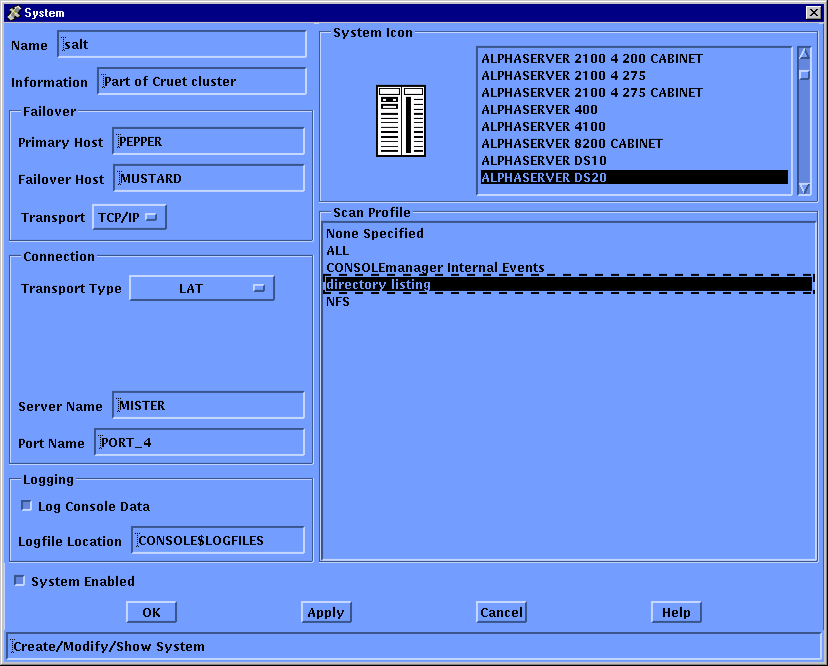
Update the definition for the system on which this event is expected to occur, to show that you are interested in this event. To do this, modify the system definition as shown in the chapter Modifying the Configuration Database and choose Scan Profile from the list shown in the following figure.
|
Copyright © 2010 CA.
All rights reserved.
|
|