

You should now have connected your host system to the various serviced systems. Your next task is to modify the default configuration database using the configuration editor, which has a DECwindows Motif interface and a command line interface.
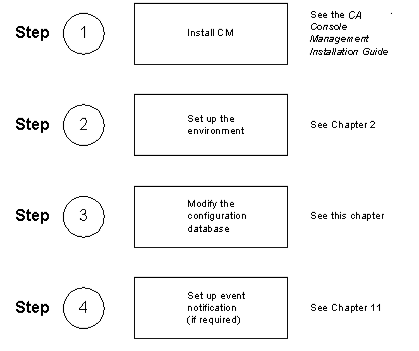
The chapter explains how to modify the default configuration database using the configuration editor. It does not cover setting up Console Manager to scan for and notify users of events. See chapters Understanding ENS through Create Your Own Action Routines for instructions about how to do this.
This section contains the following topics:
Setting Up Your Configuration Database for the First Time
Using the Command Line Interface to the Configuration Editor
Using the DECwindows Motif Interface to the Configuration Editor
Recreating the Console Manager Configuration Database
|
Copyright © 2010 CA.
All rights reserved.
|
|