

See the chapter Understanding ENS for information about filters.
To add a filter
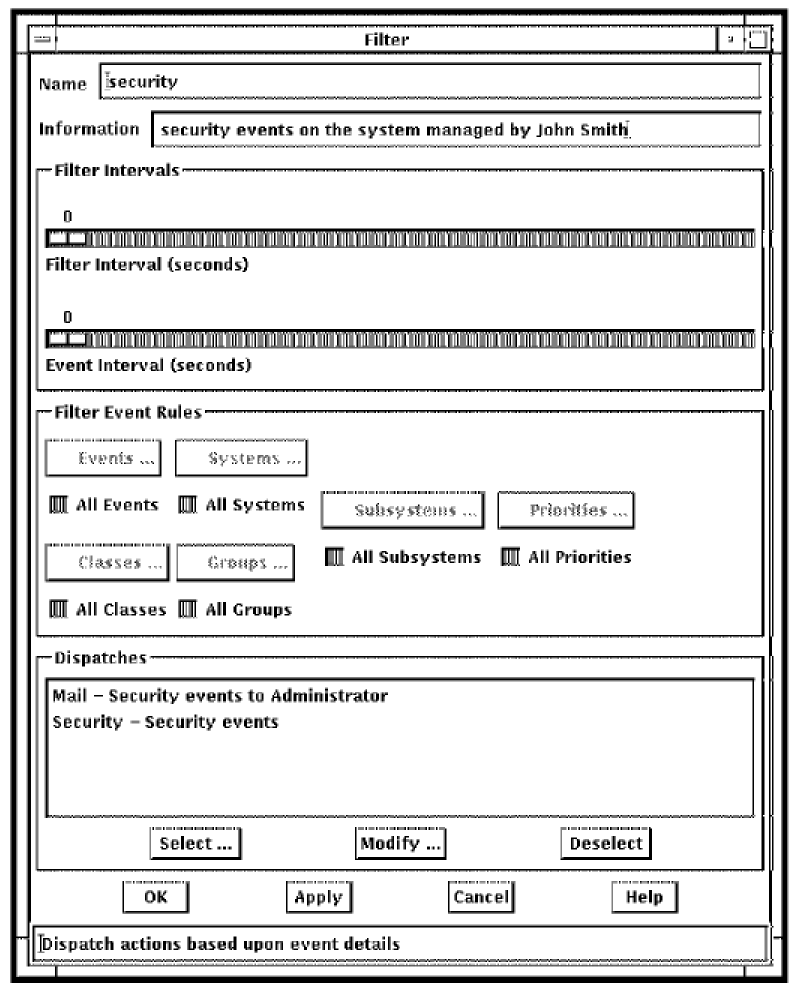
For example, if you want to select a particular set of systems, deselect All Systems. This makes Systems ... active. Then click Systems ... A selection box is displayed which has two columns, Selected Systems and Available Systems. Click the system you wish to be filtered from the list of available systems on the right side of the dialog box. These system names will then be transferred into the column displaying the selected systems on the left side of the dialog box. When you have finished, click OK.
|
Copyright © 2010 CA.
All rights reserved.
|
|