

|
|
|
As a team member, you can manage and track the product backlog work using the Kanban Board. You can add user stories and issues to the product backlog using the Kanban Board and track its progress.
For example, the team at Forward, Inc. is planning for the next release of their online trading software. The product manager has identified the new features and enhancements for the upcoming release, and plans to implement Kanban to deliver the project.
The following diagram describes how the team members can manage and track the product backlog work using the Kanban Board.
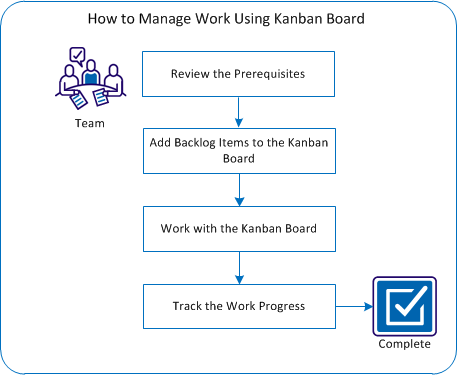
To manage and track a release using Kanban Board, perform the following steps:
| Copyright © 2012 CA. All rights reserved. |
|