

|
|
|
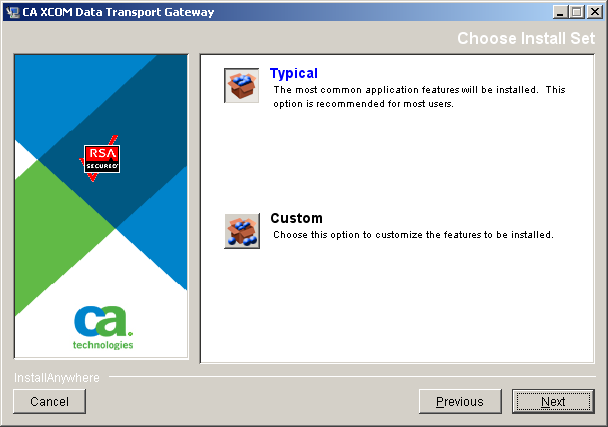
After you accepted the license agreement, you are prompted to select the type of installation:
Installs all components.
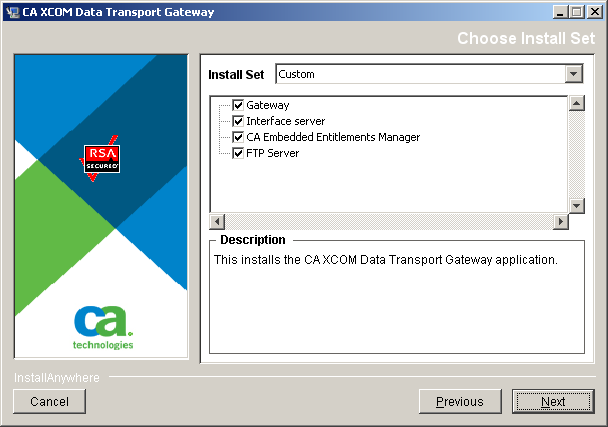
Enables you to select which components to install.
You select a custom installation under certain circumstances, for example:
To select the components to install
Continue with the next step.
If you selected to install the Gateway but not the CA XCOM Interface Server, the Interface Server Configuration dialog opens.
If you selected to install the FTP Server but not the Gateway, the Gateway Configuration dialog opens.
Otherwise, dialogs for the selected components open in the following sequence: Interface Server, Gateway, and FTP Server.
| Copyright © 2011 CA. All rights reserved. | Tell Technical Publications how we can improve this information |