

|
|
|
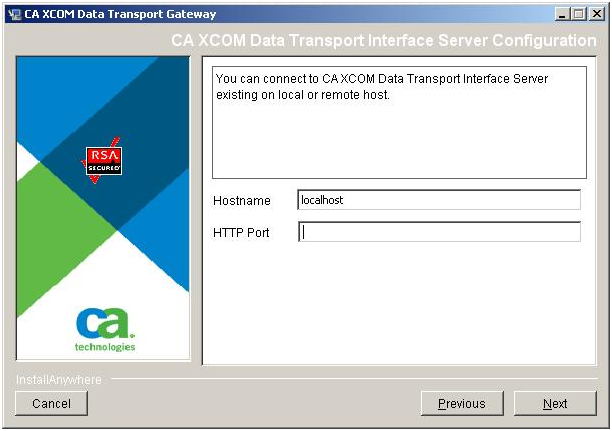
If you selected Custom installation, and selected to install CA XCOM Gateway but not the CA XCOM Interface Server, the installer requires information about the existing the CA XCOM Interface Server that you want CA XCOM Gateway to use.
To supply configuration information of an existing CA XCOM Interface Server
If the CA XCOM Interface Server is running on the same computer, specify localhost (the default) for the host name.
The Choose Install Folder dialog for CA XCOM Gateway opens.
| Copyright © 2011 CA. All rights reserved. | Tell Technical Publications how we can improve this information |