

|
|
|
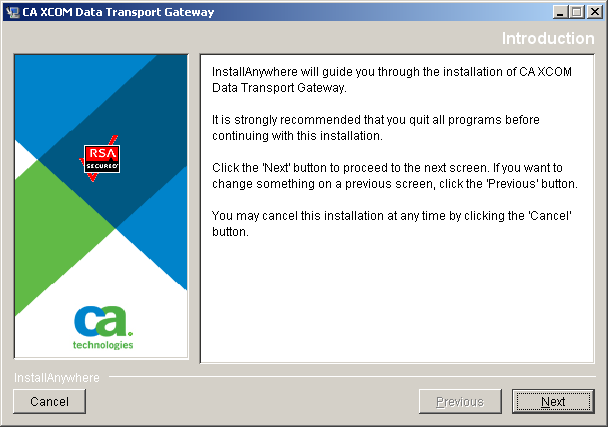
The installer starts with an Introduction dialog followed by a License Agreement dialog.
To accept the license agreement
The Introduction dialog opens:
The License Agreement dialog opens:
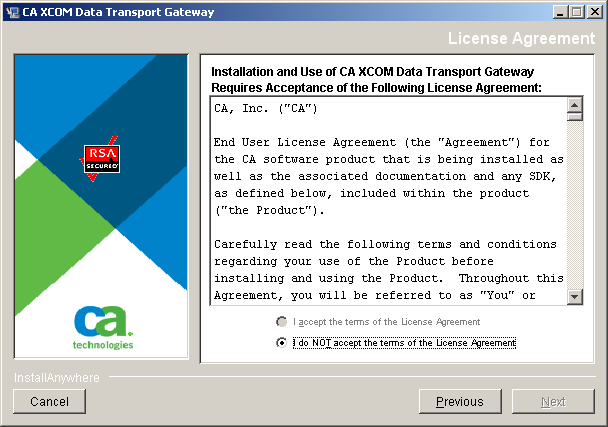
When you scroll to the end of the agreement, you can specify whether you want to accept the agreement.
The Choose Install Set dialog opens.
| Copyright © 2011 CA. All rights reserved. | Tell Technical Publications how we can improve this information |