

|
|
|
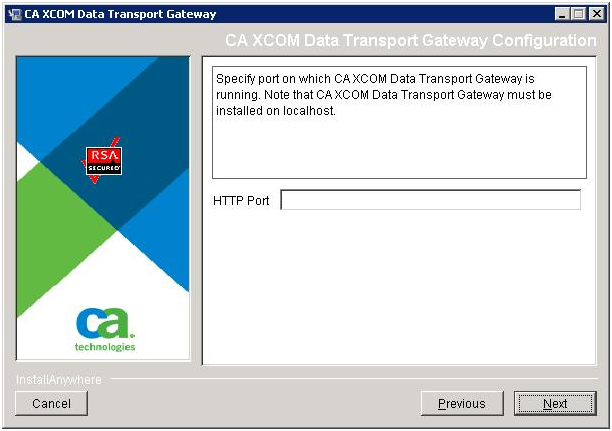
If you selected Custom installation, and selected to install the FTP Server but not CA XCOM Gateway, it is assumed that CA XCOM Gateway has been previously installed on the same machine. In this case, the FTP Server needs to know about the port setting defined when CA XCOM Gateway was previously installed.
To supply configuration information of an existing local CA XCOM Gateway
The Choose Install Folder dialog for the FTP Server opens.
| Copyright © 2011 CA. All rights reserved. | Tell Technical Publications how we can improve this information |