

Scenarios › Export the Archived Databases into an RDBMS › Export Archived Databases into an RDBMS
Export Archived Databases into an RDBMS
CA User Activity Reporting Module (CA User Activity Reporting Module) lets you retrieve information on archived database events from your database server directly instead of the CA User Activity Reporting Module server. CA User Activity Reporting Module provides the DBExport Service (utility) to export the archived databases from its server into an RDBMS such as Microsoft SQL, Oracle, or PostgreSQL in your environment.
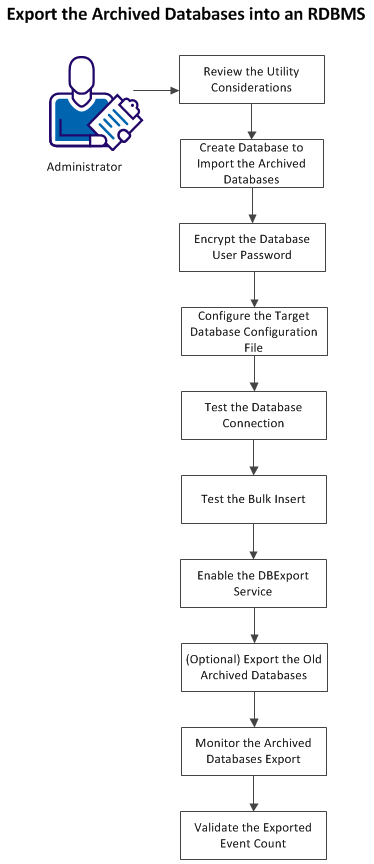
The following flowchart describes how to export the archived databases into an RDBMS:
Follow these steps:
- Review the considerations to run the utility.
- Create a database in your RDBMS to import the archived databases.
- Encrypt the user password of the target database.
- Configure the configuration file of the target database.
- Test the database connection.
- Test the bulk insert into the target database.
- Enable the utility.
- (Optional) Export the old archived databases.
- Monitor the export of the archived databases.
- Validate the count of the exported events.
Copyright © 2014 CA Technologies.
All rights reserved.
|
|