

|
|
|
The Tape Encryption/Decryption Display Activity window displays the jobs running on the system for which CA Tape Encryption is currently performing decryption or encryption.
To open the display
The Object Tree is displayed in the Windows Client showing the CA Tape Encryption objects.
The Tape Encryption/Decryption Display Activity window opens, as shown in the following sample:
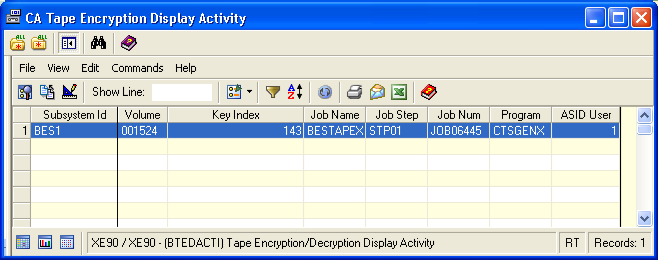
Note: If there are no jobs currently running that require encryption or decryption processing, the display will be empty.
| Copyright © 2010 CA. All rights reserved. | Tell Technical Publications how we can improve this information |