

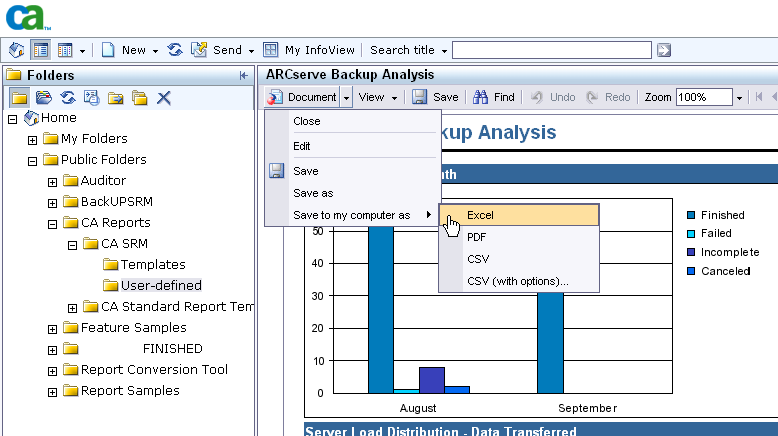
This procedure is a generic example of how you might use Infoview to save a report in an alternate format such as an Excel file.
BO allows you to save your reports to these alternate formats:
To save a report in an alternate format
|
Copyright © 2013 CA.
All rights reserved.
|
|