

Use the Alert Region tab to specify marginal parameter values to provide a visual indication of any data that exceeds user‑defined nominal limits. The following example shows you the Alert Region tab:
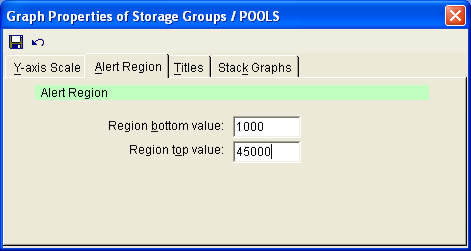
The following options are available on the Alert Region tab:
Enter the value at which you want notification at the lowest end of the desired scale. For example, if you want to be notified when only 10% of total storage capacity is still available, enter 10.
Enter the value at which you want notification at the lowest end of the desired scale. For example, if you want to be notified when 90% of total storage capacity has been used, enter 90.
|
Copyright © 2013 CA.
All rights reserved.
|
|