

|
|
|
To delete an employee from the entity:
The Display Employee panel appears:
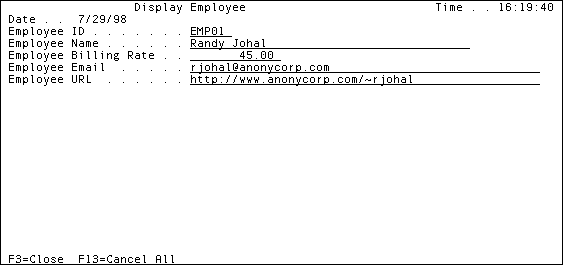
This panel is scoped to Employee.Maintenance Suite.Delete User Interface.
| Copyright © 2012 CA. All rights reserved. | Tell Technical Publications how we can improve this information |