

|
|
|
After you are done generating and building the entity, you are ready to test the Employee entity. To test the entity, run the Employee.Maintenance Suite.Maintenance UI function.
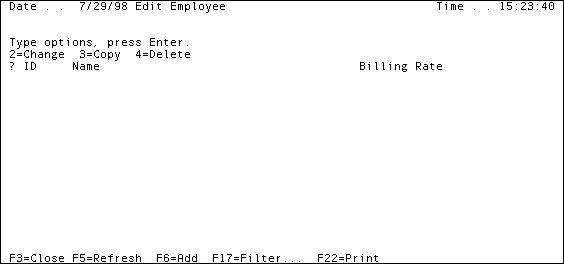
This function lists all of the employees in your database. Because you inherited attributes from User Maintained Entity, rather than Grid Maintained Entity, you have a group of functions for maintaining your Employee entity, rather than a single function, as you did with the Project entity.
To work with employee data, run the Maintenance UI function and then access the other panels to add, change, and delete employees.
The Edit Employee panel should look like this:
| Copyright © 2012 CA. All rights reserved. | Tell Technical Publications how we can improve this information |