Diagramming Entity Relationships › Testing the Application › Changing an Employee
Changing an Employee
To change information about an employee:

- On the Edit Employee panel, navigate to the Grid Selector column for the record you want to change.
- In the selector field, type 2, then press Enter. The Change Employee panel appears.
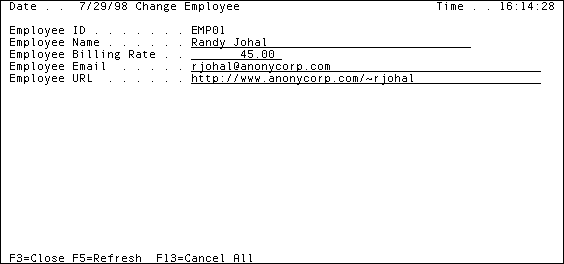
- Navigate to the field you want to change.
- Overwrite the contents of the field, then press Enter.
- Exit the application.

