Updating CA Output Management Web Viewer Version 12 (or later) Using the Update Installer › Installation Using the GUI Wizard › Step 5. Complete the Installation
Step 5. Complete the Installation
To complete the installation:
- Review the settings displayed in the Pre-Installation Summary.
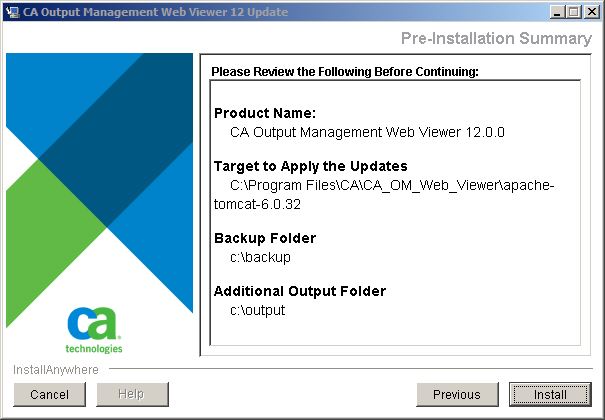
- Click Install.
- Review the Install Complete information.
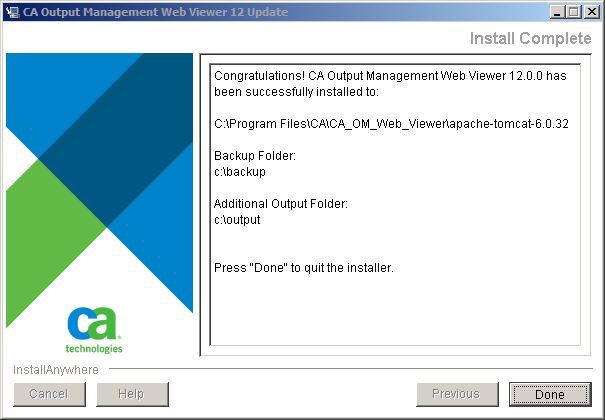
- Click Done.
Installation Using the Console Mode
The steps in this section explain how to install CA Output Management Web Viewer using the Console mode.
|
Copyright © 2011 CA.
All rights reserved.
|
|

