Updating CA Output Management Web Viewer Version 12 (or later) Using the Update Installer › Installation Using the GUI Wizard
Installation Using the GUI Wizard
Follow the steps in this section to install using the GUI mode.
Step 1. Introduction and License Agreements
Follow these steps:
- Select a locale from the Choose Locale drop-down menu, and click OK.
- Review the Introduction panel for information about the Update Installer and click Next.
- Review the License Agreement.
- Scroll down, select the I accept...option and click Next.
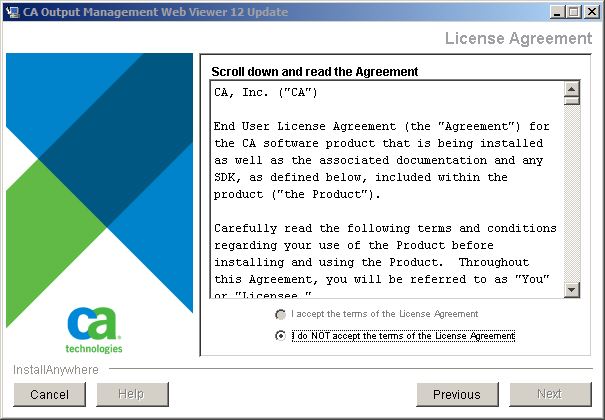
Note: Multiple products are licensed in this agreement.
|
Copyright © 2011 CA.
All rights reserved.
|
|

