Windows: Find the uninstaller shortcut in the programs menu.
Other operating systems: Under the uninstaller folder in your install directory, find a program called uninstaller or uninstaller.jar and run it; for example, type ./uninstaller or java -jar ./uninstaller.jar under this folder.
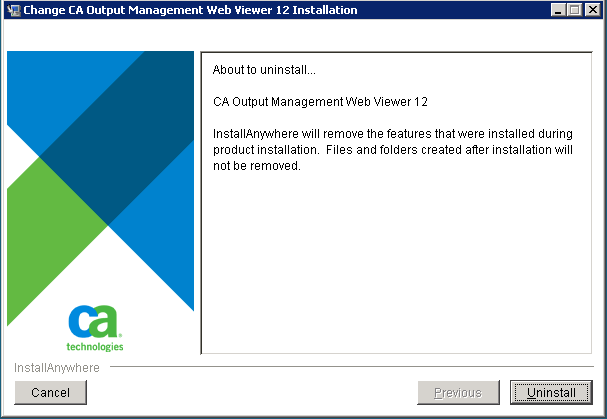
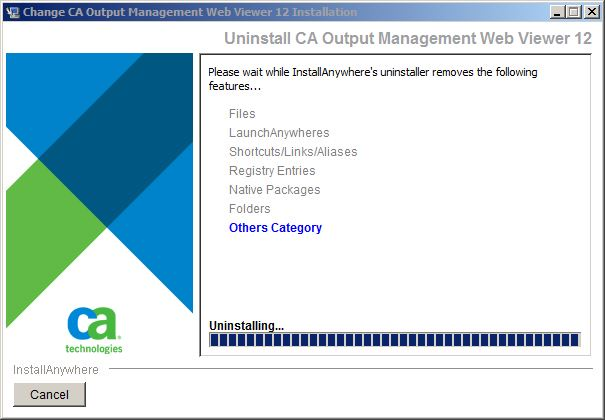
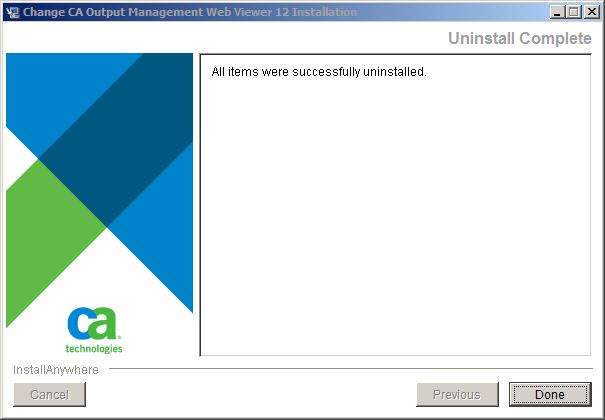
Run the uninstaller.
Like the installer, CA OM Web Viewer uninstaller can be run in either GUI mode or Console mode. Follow the instructions given by the wizard.