

|
|
|
Do one of the following:
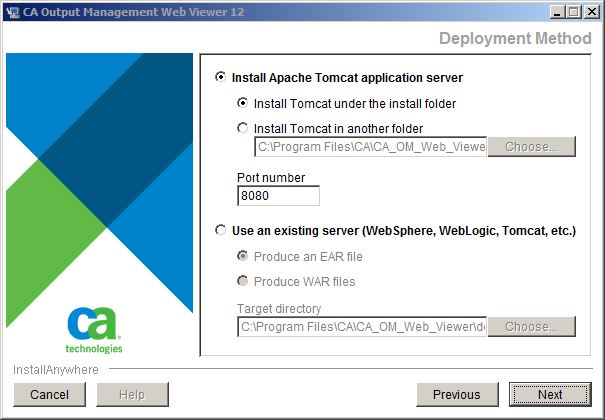
Do the following:
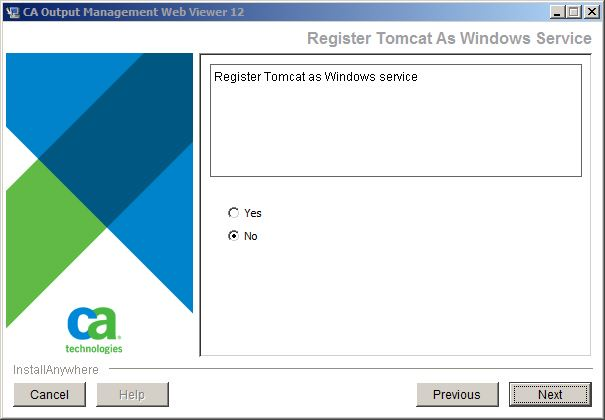
Note: If you are installing on Windows and choose this option, a Register Tomcat as Windows Service dialog appears.
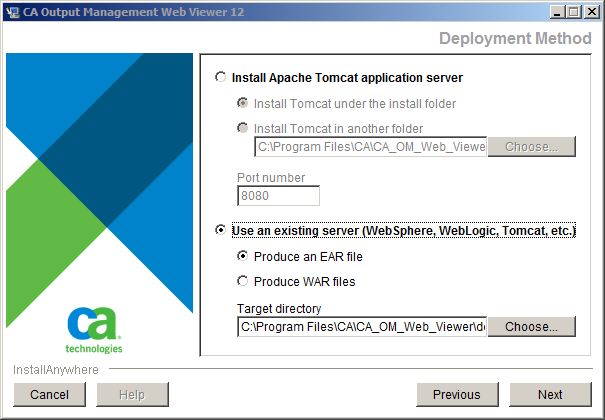
Click the Use an existing server option and select a file type of your deployable. After installation, the CA OM Web Viewer EAR file or a pair of WAR files (CAOMWebViewer12.war and a supplementary WAR file castylesr5.1.3.war) will be generated and placed in this target directory. Depending on how your own web application server is managed, you may need to take further steps to deploy the EAR or WAR file(s) on your web application server.
| Copyright © 2011 CA. All rights reserved. |
|