

|
|
|
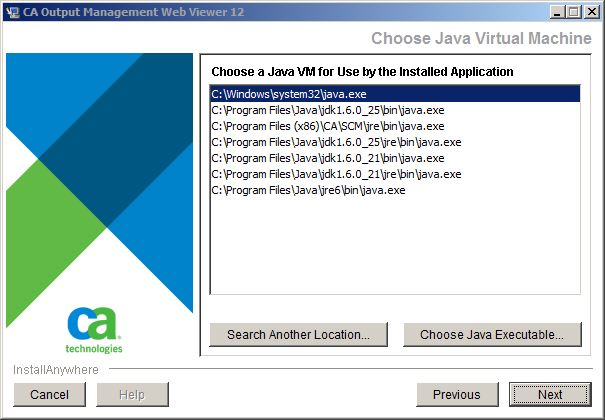
The installer searches for existing Java virtual machines (VMs) from default folders on the system. You can click Search Another Location… to search other folders or click Choose Java Executable… to select a particular Java executable.
Select the Java Virtual Machine you want the installed CA OM Web Viewer to use.
| Copyright © 2011 CA. All rights reserved. |
|