

|
|
|
Follow these steps:
The CCI server provides an interface for exchanging messages with the mainframe. The server name and port number specified here will be used in all communication between CA OM Web Viewer and the mainframe.
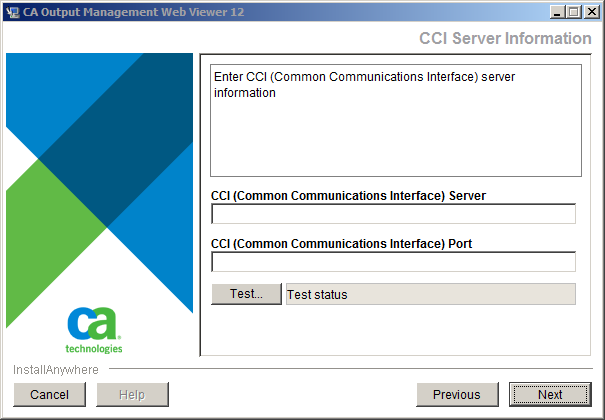
After entering the CCI information, click the Test button to verify the connection.
A Connection Successful message tells you that your entries were valid; otherwise, modify the parameters and try it again.
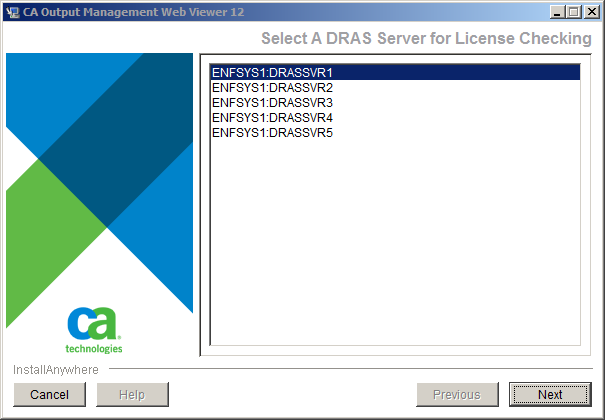
After entering information for a CCI server, the installer connects to the mainframe using the specified CCI server to discover available DRAS servers. At run-time, CA OM Web Viewer communicates with this DRAS server to access reports.
A message is displayed to inform you that CA OM Web Viewer is being configured, then the list is displayed.
| Copyright © 2011 CA. All rights reserved. |
|