

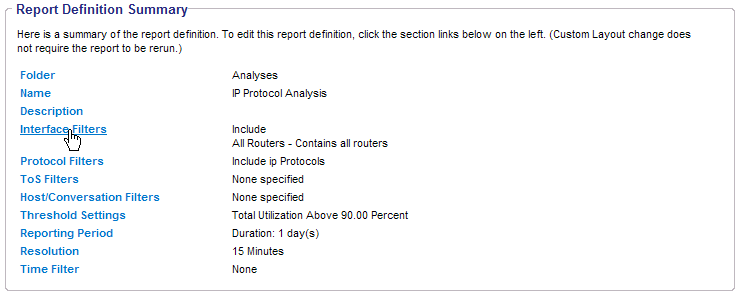
When you view an Analysis report, you may want to review the Report Definition Summary to ensure that the report definitions are correct. This summary provides access to the Analysis wizard pages in case you want to change any settings.
Follow these steps:
The Report Definition Summary is displayed.
You return to the Reports list, which shows the modified report with a status of Queued. When the report has been regenerated and is ready to be viewed, the status displays as Complete.
A scheduled report will be queued and will be generated at the next scheduled runtime.
|
Copyright © 2013 CA.
All rights reserved.
|
|