

When you have defined the Analysis reports that you need, you are ready to generate a new report and to view it in the NFA console. You can run and view the following types of reports:
Follow these steps:
The Analysis page contains two panes. The left pane lists the folders that are used to store saved report definitions. The right pane lists the reports in the currently selected folder.
The report runs. The results are displayed when report generation is complete.
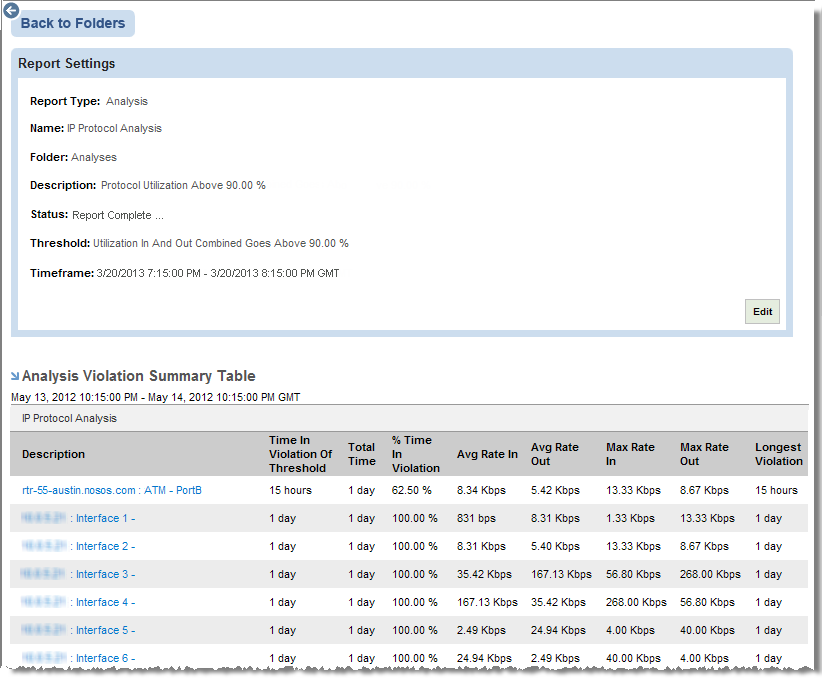
You can click an interface name to display more information about that interface. For example, you may be able to view a calendar chart that shows the time and duration of a violation.
|
Copyright © 2013 CA.
All rights reserved.
|
|