

The following procedure describes how to change breakpoints in batch applications.
Follow these steps:
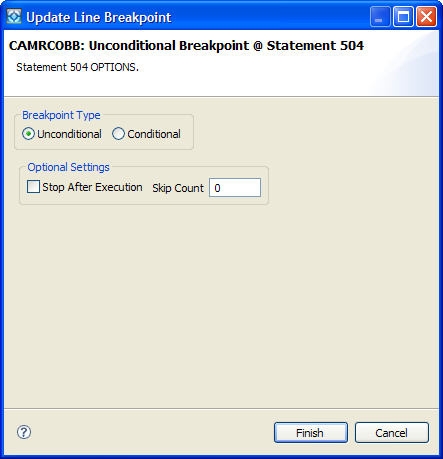
The Update Line Breakpoint dialog opens.
Left Side–LOOP-OUT
Operator–GT - Greater Than
Right Side–x'00'
Note: Character literals do not need to be prefixed with a C. The system automatically recognizes them as characters. Thus, 2 is treated as F2, whereas hex literals must be prefixed with an X.
The dialog closes and the breakpoint displays in the Breakpoints view as a conditional breakpoint.
|
Copyright © 2015 CA Technologies.
All rights reserved.
|
|