

You can view the error details for the errors logged in the Error Log view.
Follow these steps:
The list expands and displays individual errors.
Example: The following illustration shows the individual errors for the error—Help document could not be indexed properly.
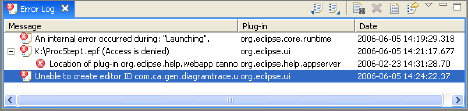
The Event Details dialog appears showing more details about the error.
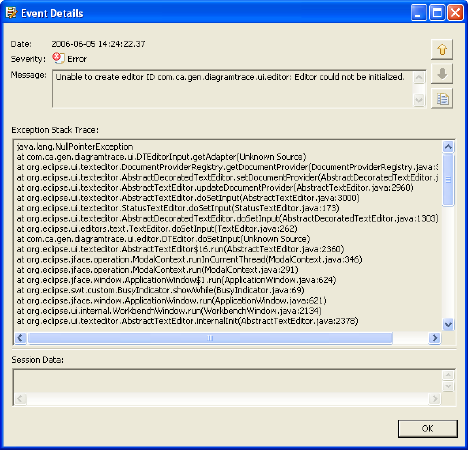
The Event Details dialog closes.
|
Copyright © 2013 CA.
All rights reserved.
|
|