

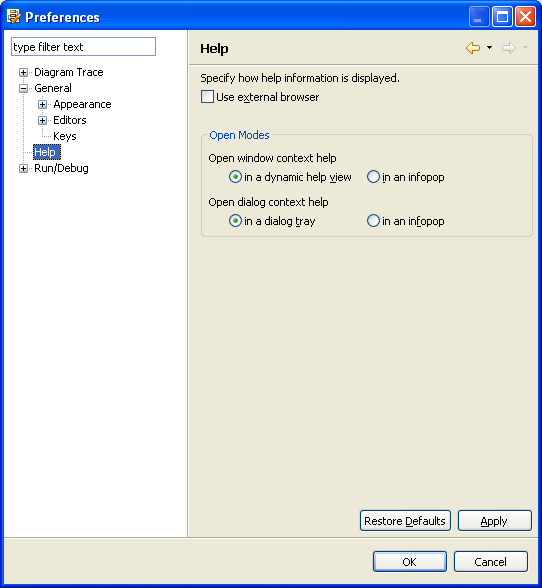
The Help Preferences settings affect the way online help is displayed and determine whether an external browser is used to display help information.
Note: If you do not specify use of an external help browser, the Diagram Trace Utility uses an internal panel to host the web browser.
Follow these steps:
The Preferences dialog appears.
The Help Preferences dialog appears.
Specifies the use of an external browser to display online help.
Default: Off
Specifies whether to open the context help for windows in a dynamic view panel or in a pop-up information box.
Default: in a dynamic help view
Specifies whether to open dialog context help in a dynamic help window or in a pop-up information box.
Default: in a dynamic help window
The Diagram Trace Utility saves the new settings and closes the dialog.
|
Copyright © 2013 CA.
All rights reserved.
|
|