

You can add one or more new PAD Code View editors through the pop-up menu on PAD Code viewing area.
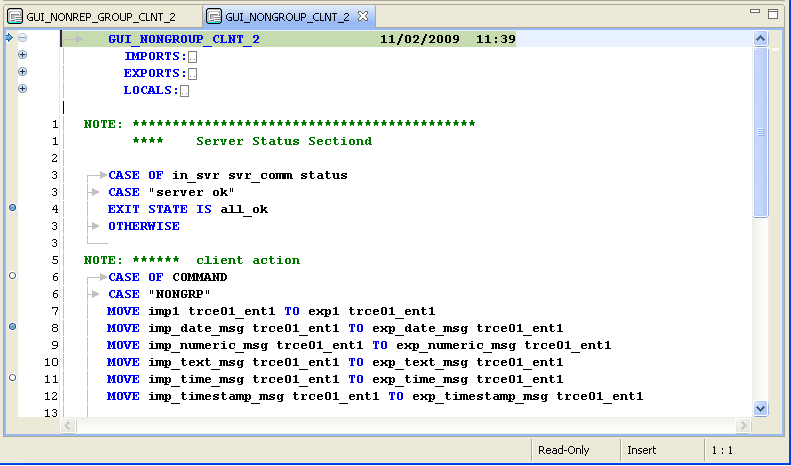
To add a new PAD Code View editor, right-click on the title bar of the PAD Code View editor and select New Editor from the pop-up menu. The new editor appears in the PAD Code view with the default editor as a tabbed group.
Example: In the following illustration, the new PAD Code View editor is highlighted, indicating it is the active editor.
|
Copyright © 2013 CA.
All rights reserved.
|
|