

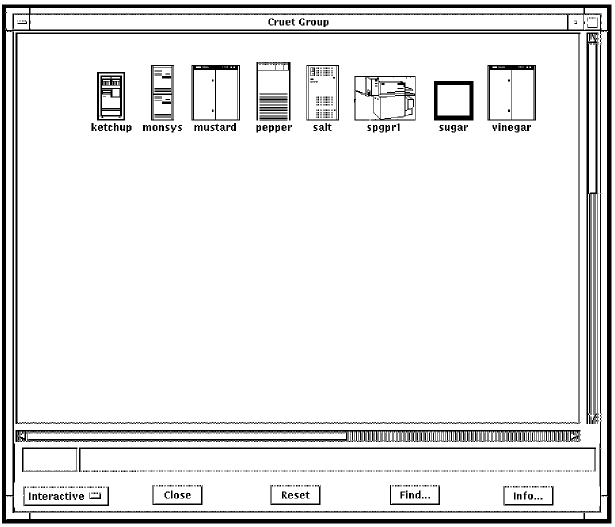
The group window uses the information supplied in the configuration database for your user entry to create the display. It displays icons that represent serviced systems for the group to which you have access. It also alerts you to events happening on the consoles of those systems by changing the color of the icons according to the priority of the events.
Color priorities are discussed in the chapters Understanding ENS through Create Your Own Action Routines.
The following figure shows an example of a group window in the C3 display.
|
Copyright © 2010 CA.
All rights reserved.
|
|