

The following figure shows the steps to take. Steps 1,2, and 3 are mandatory; step 4 is optional.
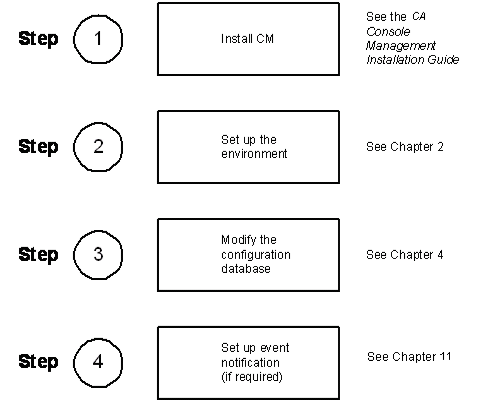
Note: If you are using VAX 8500/8700/8800 systems as serviced systems, you must do additional setup tasks, which are explained in appendix A, “Using VAX 8500/8700/880 Systems as Serviced Systems.”
See the chapters Setting up the Environment through Managing Console Manager for instructions on setting up Console Manager on your host system.
See the chapters Using Console Manager from the Command Line Interface through Customizing Console Manager for instructions on using Console Manager.
|
Copyright © 2010 CA.
All rights reserved.
|
|