

A configuration manager can use the Service Profiler UI to create a service and an associated management profile. The Service Profiler graphically represents the elements (servers, clusters, applications, and so on) similarly to the Visualization functionality in the CA Configuration Automation Server UI.
The following illustration shows the tasks that are used to create a service and management profile with the Service Profiler.
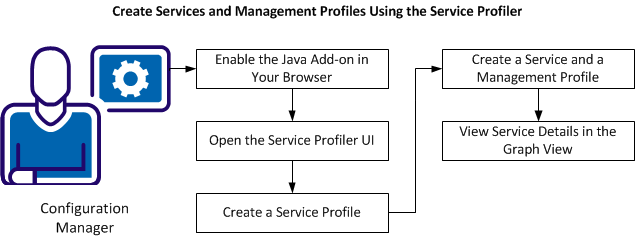
A configuration manager can perform the following tasks to create services and management profiles using the Service Profiler:
|
Copyright © 2013 CA.
All rights reserved.
|
|