Previous Topic: Add a User

Next Topic: Delete a User


Change a User

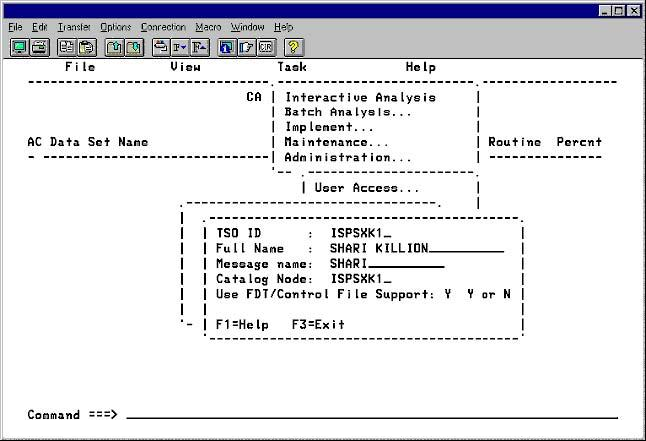
To change the information about a user in the list of CA Compress authorized users

  1. On the Administration menu, select User Access.
  2. Type the TSO ID to be changed.
  3. Select Change User Data and press Enter.
  4. Type the changes and press Enter to record the changes.

    The Administration menu