Previous Topic: Change a User

Next Topic: Glossary


Delete a User

To delete a user from the list of CA Compress authorized users

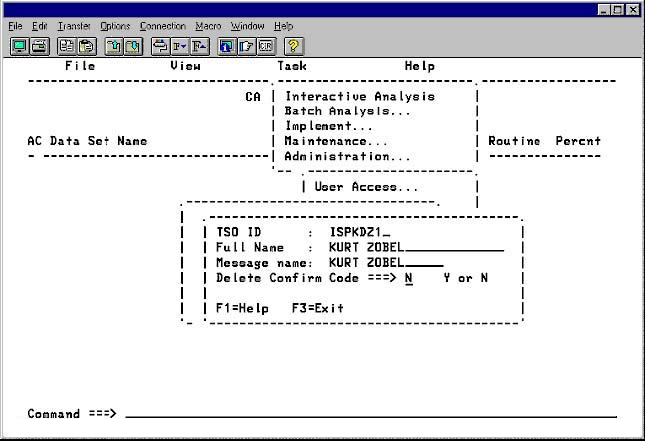
  1. On the Administration menu, select User Access.
  2. Type the TSO ID to be deleted (CA Compress does not allow a user to delete their own TSO ID).
  3. Select Delete a User and press Enter.
  4. Check the user identity. To delete the user, type Y in the Delete Confirm Code field and press Enter.

    The Administration menu