

Before, you verify CA EEM integration with SSO ensure that you update the license file.
Follow these steps:
https://oss-eem1:5250/spin/eiam/
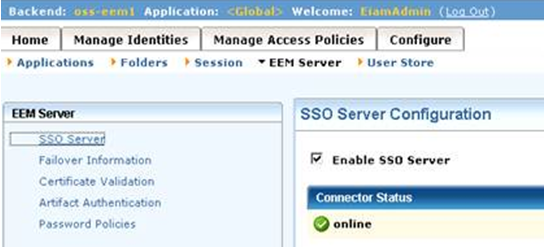
The Connector Status shows the online symbol.
If you can log in and access CA EEM, the deployment is successful.
Note: Configure SSO manually if any of the previous method fails.
|
Copyright © 2014 CA.
All rights reserved.
|
|