

After you deploy the CA EEM OVF template, start the virtual application to verify that CA EEM and CA SiteMinder® are deployed correctly.
To verify the deployment, log in to the virtual machine where CA EEM is deployed.
Follow these steps:
The CA EEM Log In page opens.
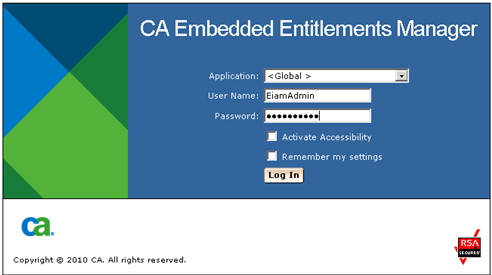
If you can log in and access CA EEM, the deployment was successful.
|
Copyright © 2014 CA.
All rights reserved.
|
|