

After you deploy the CA Service Desk Manager OVF, start the virtual application to verify that SDM is deployed correctly.
To verify the deployment, log in the virtual machine where CA Service Desk Manager is deployed.
Follow these steps:
The CA Service Desk Manager Login page opens.
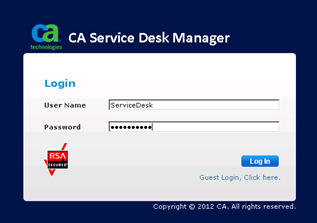
Note: Ensure that the Service Desk is the same once you log in through SiteMinder Secure Proxy.
If you can log in and access CA Service Desk Manager, the deployment was successful.
|
Copyright © 2014 CA.
All rights reserved.
|
|