Previous Topic: Create a Multilingual PIF PackageNext Topic: Copy and Change a Dialog Resource


Select the Language for the Installation Dialogs

For a multilingual package, you can select the language for the installation dialog and also preview the dialog in the selected language.

To select the language for the installation dialogs

  1. Select the multilingual package from the Projects tab.
  2. Select the Dialogs tab.

    A list of dialogs appears.

  3. Select a dialog.

    The dialog editor appears in the right pane.
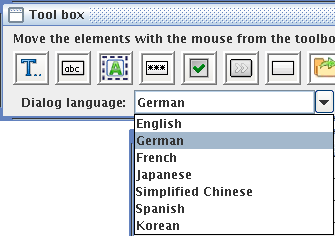
  4. Select the appropriate language from the Dialog language drop-down list, as shown in the following illustration:

    Dialog Language drop-down list representing the available languages for the installation dialog

    The language is changed for all the installation dialogs, as shown in the following illustration:
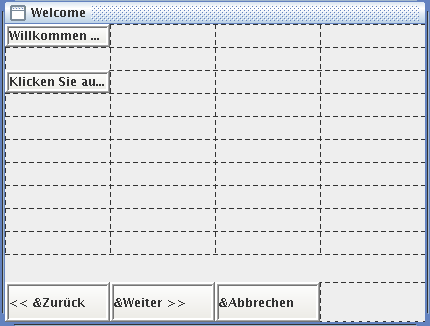
    Language Selection dialog representing the information in a localized language